
The complete guide
Choosing a Surge Protector for a Home Office
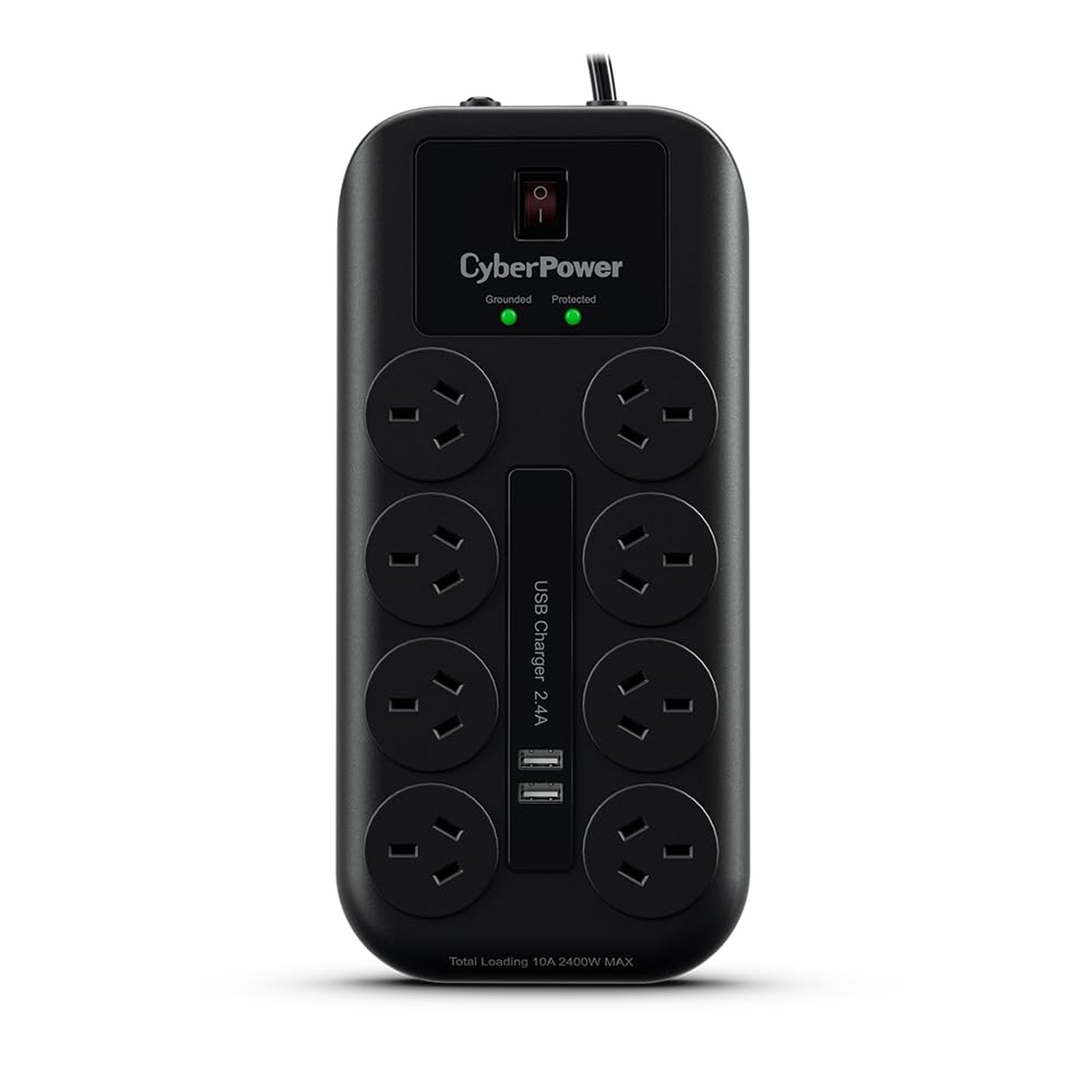
A home office runs out of sockets before it runs out of desk. Computer, two screens, a router, a printer, a lamp and a phone charger is seven plugs, and most rooms give you two. This guide covers what to look for in a surge protected power board, and what this one does and does not do.
Count your plugs first
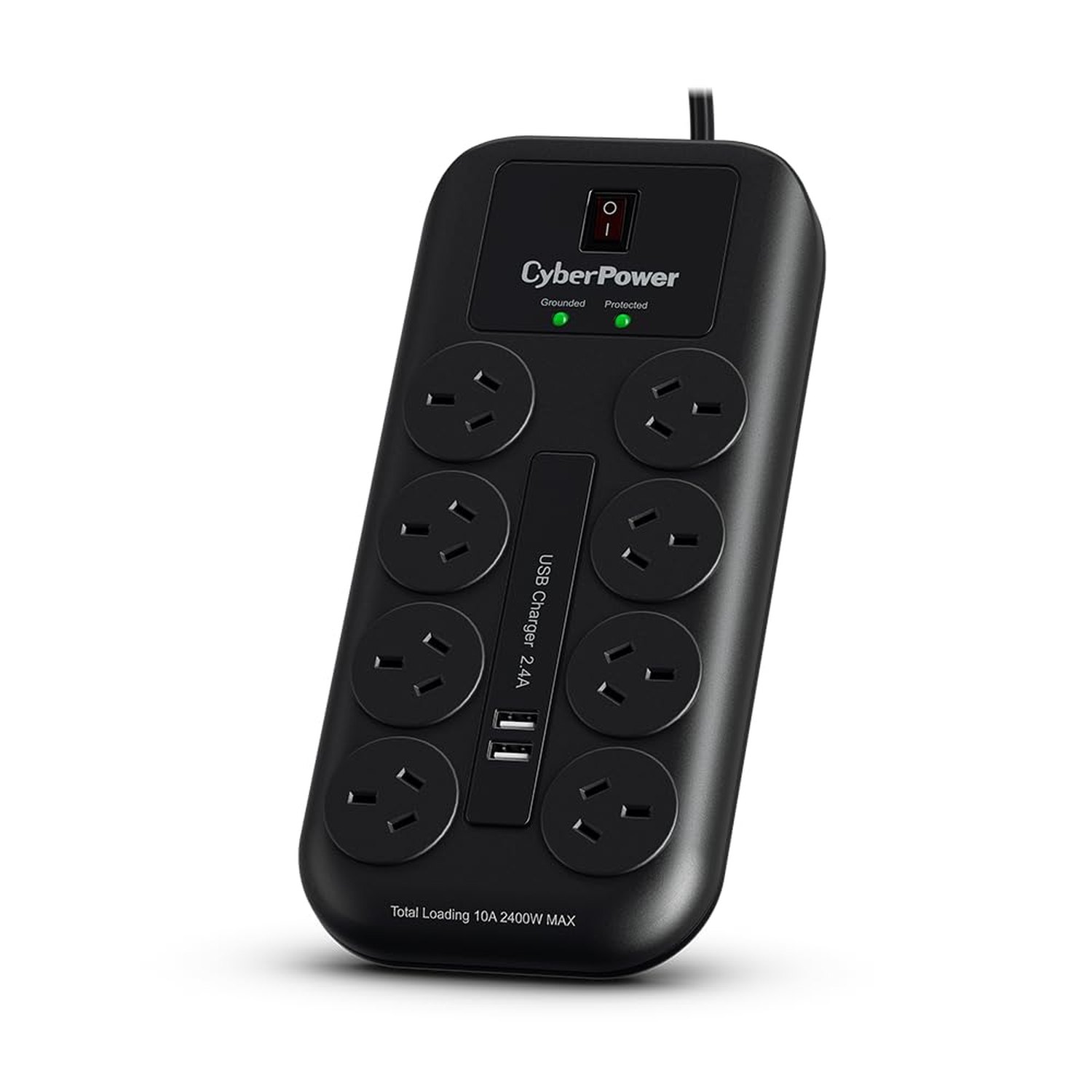
Walk around the desk and count every mains plug: computer, each monitor, laptop charger, router, modem, printer, lamp, speakers. Then count the things that charge from USB. Eight sockets and two USB ports covers most single-person home offices with room for one more thing later. Wide plug packs can cover the socket next to them, so put the bulky ones at the end of each row.
What the surge numbers mean
A surge is a short spike in the mains voltage. Storms cause them, and so do big appliances switching on and off in the same house. The joule rating tells you how much the board can soak up. This one is rated at 2750 joules, with a maximum surge current of 67,500 A. Many boards sold as surge protected do not give a figure at all, so compare the joule rating first.
Two honest limits
No power board can stop a direct lightning strike. In a bad storm, unplugging the computer is still the safest option. And a surge protector uses up some of its protection each time it takes a hit. The Protected light on top shows it is still working. If that light goes out, replace the board.
Surge protection is not overload protection
Surge protection deals with spikes coming in from the mains. Overload protection deals with you plugging in too much. This board has a built-in circuit breaker that switches it off above 10A and 2400W, the same limit as the wall socket. A heater, kettle or hair dryer can use most of that alone, so keep those on their own wall socket, and never plug one power board into another.
The USB ports
The two USB-A ports share 2.4A between them. That charges a phone, earbuds or a tablet without a separate plug pack. They are not USB-C and not a fast charger, so a laptop keeps its own charger in one of the mains sockets.
Where to put it
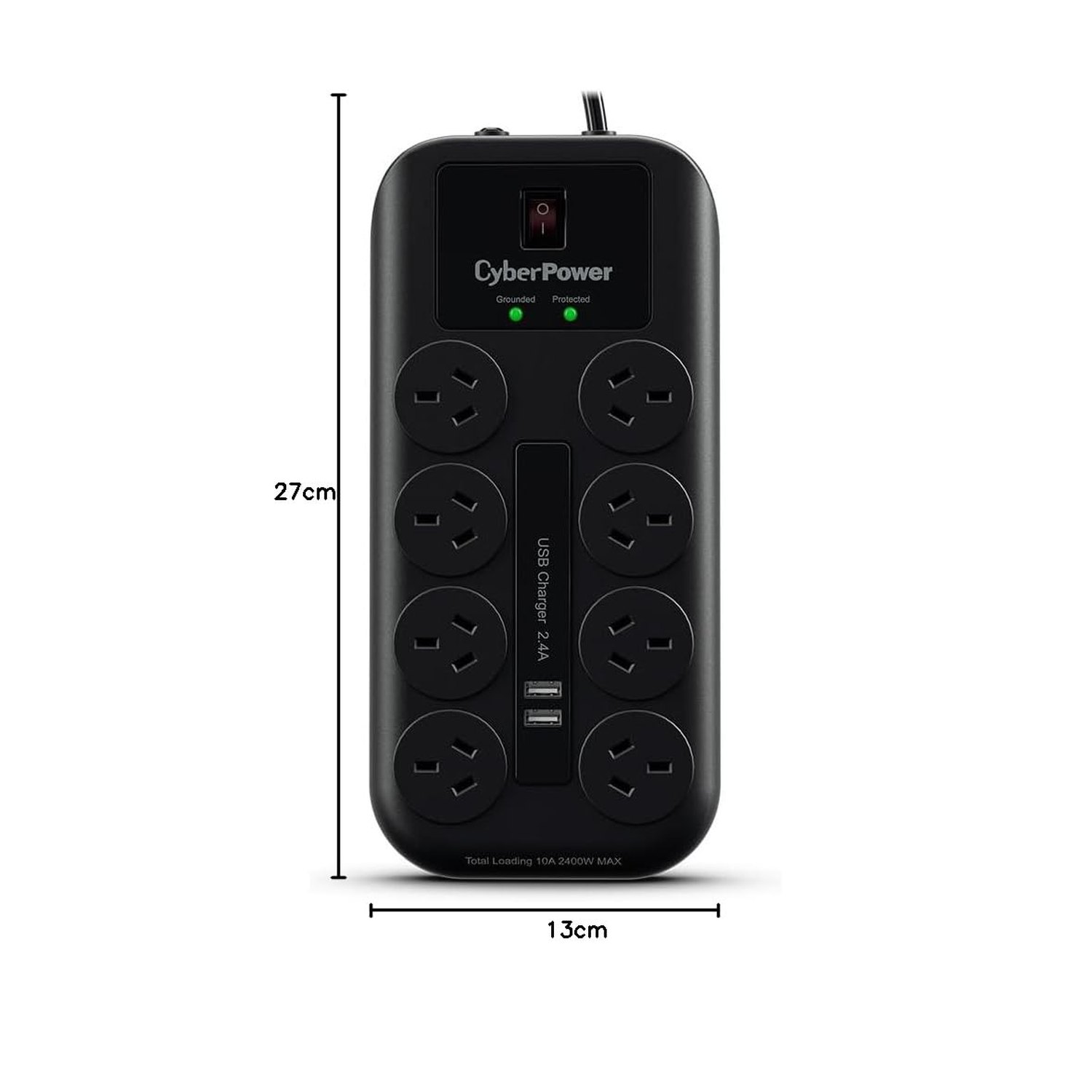
The board is flat, 276 x 130 x 32 mm, with a lead of about 2m. Run the lead where a chair cannot roll over it, leave some slack so nothing pulls on the plug, and keep the board where you can see the lights and reach the switch.
It is not a UPS
A surge protector keeps nothing running in a power cut. If your computer needs to stay on through an outage, or shut down cleanly, you need a UPS with a battery. Many people use both: the UPS for the computer, and a board like this for everything else.